Frequently Asked Questions
Everything you need to know about guest communication, calendar sync, and delivering 5-star experiences.
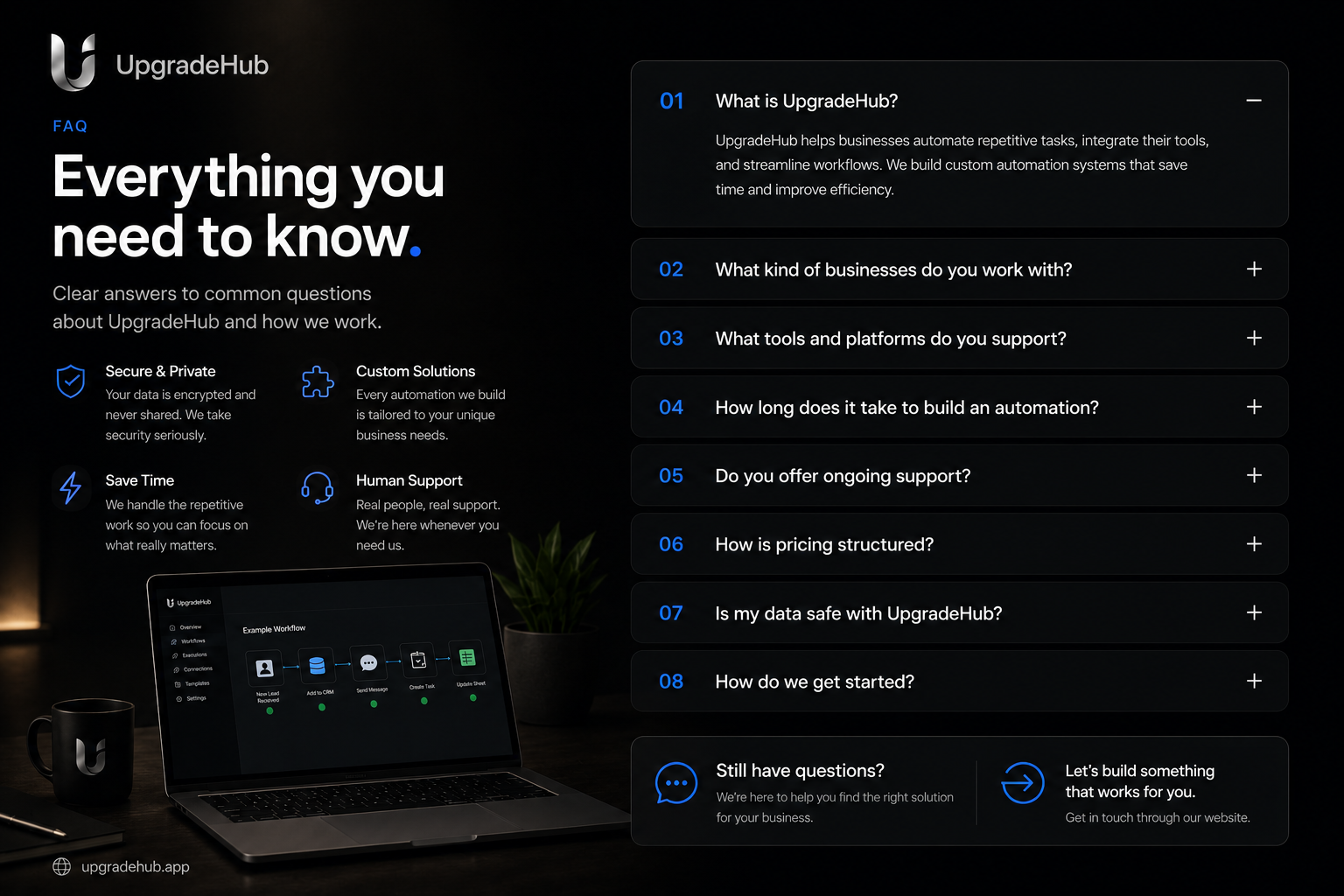
What is UpgradeHub?
UpgradeHub is an AI-powered guest communication platform for Airbnb hosts. It automates replies, syncs your calendar, and helps you deliver exceptional guest experiences that lead to more 5-star reviews and direct bookings.
How does the AI improve guest communication?
The AI handles guest inquiries 24/7 with instant, personalized replies. It understands context, answers questions about availability and amenities, and ensures every guest feels valued. This leads to higher guest satisfaction, better reviews, and more repeat bookings.
How does calendar sync work?
UpgradeHub syncs with your calendar in real-time. When a guest books, your calendar updates instantly. When you block dates, it reflects everywhere. No more double bookings or scheduling conflicts.
Can I automate guest replies?
Yes. You can create custom reply templates for every stage of the guest journey: inquiries, booking confirmations, check-in instructions, and farewell messages. The AI personalizes each message automatically.
Does it help with guest satisfaction?
Absolutely. Fast, personalized replies make guests feel valued. Automated check-in guides and local recommendations enhance their stay. Happy guests leave 5-star reviews and book directly with you next time.
Can I manage multiple properties?
Yes. UpgradeHub handles unlimited properties. Each property has its own communication templates and calendar. Switch between properties in one click and manage all guest interactions from one dashboard.
Will this help me get more direct bookings?
Yes. By delivering exceptional guest experiences, you build a reputation that drives direct bookings. Happy guests return and refer others. Calendar sync ensures you never miss a booking opportunity.
How does the AI handle complex guest questions?
The AI understands context and can handle complex questions about availability, pricing, amenities, and local recommendations. If a question is too complex, it alerts you so you can respond personally.
What are smart reply suggestions?
Smart reply suggestions analyze guest messages and recommend the best responses. You can approve, edit, or customize each reply. This saves time while maintaining a personal touch.
How do I set it up?
Fast setup. Customize your communication templates, set up your calendar, and you're live. No technical skills needed.
What support is available?
We offer email support and priority support for our paid plans. Our team responds within 24 hours. Visit our Contact Us page to get help.
Can I cancel anytime?
Yes. You can cancel through your account settings or contact support. No penalties, no long-term contracts.
Top Questions from Real Hosts
"How does faster replies lead to more bookings?"
90% of guests book the first host who replies. UpgradeHub ensures you reply instantly, 24/7. Faster replies mean more bookings, better reviews, and guests who feel valued from the very first message.
"How does calendar sync prevent double bookings?"
Calendar sync ensures your availability is always accurate. When a guest books, your calendar updates in real-time. When you block dates, it reflects everywhere instantly. No more double bookings.
Watch: How UpgradeHandles Guest Communication & Calendar Sync
See exactly how our AI handles guest inquiries, syncs your calendar in real-time, and helps you deliver 5-star guest experiences.
