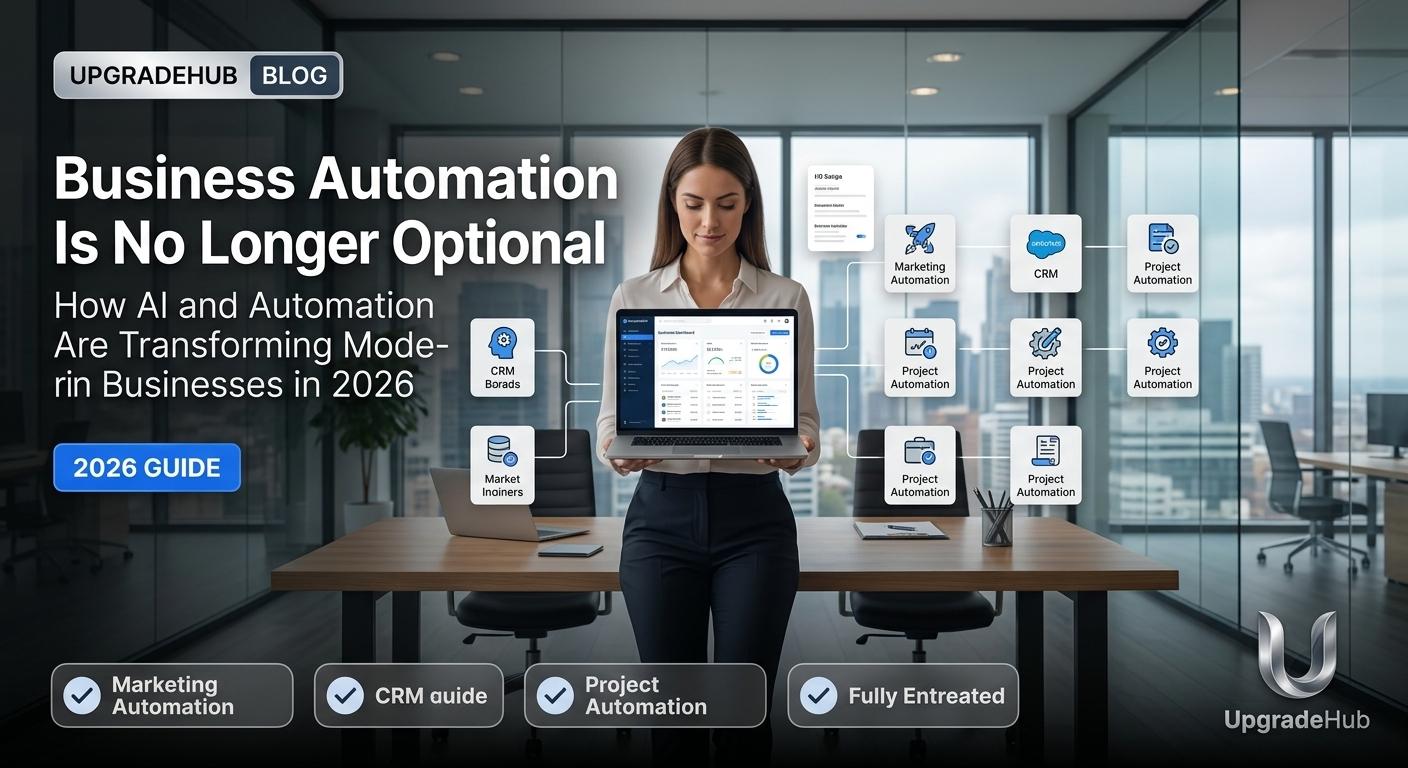
Why Business Automation is No Longer Optional in 2026
The business landscape has changed forever. In 2026, automation isn't a luxury — it's a survival strategy.
Companies that embrace automation are outpacing competitors by 3x. Those that don't are struggling to keep up.
Here's the truth: Your competitors are already automating. The question isn't whether you should automate, but how fast you can start.
The Business Case for Automation
Real numbers from real businesses:
| Metric | Manual | Automated | Improvement |
|---|---|---|---|
| Time spent on admin | 20 hrs/week | 4 hrs/week | 80% less |
| Error rate | 8% | 1% | 87% fewer |
| Task completion time | 45 mins | 8 mins | 82% faster |
| Employee satisfaction | 65% | 89% | 24% higher |
| Revenue growth (yearly) | 5% | 18% | 360% more |
The math is clear: Automation pays for itself in weeks, not years.
What Business Automation Actually Looks Like
Customer Service Automation
Manual way:
- Respond to emails one by one
- Answer phone calls during business hours
- Hope you don't miss anything
Automated way:
- AI chatbots handle 70% of inquiries 24/7
- Automated email responses for common questions
- Smart routing to the right team member
- Customer history instantly available
Real result: A small e-commerce business reduced response time from 4 hours to 2 minutes while cutting support staff costs by 40%.
Sales Automation
Manual way:
- Enter leads into spreadsheets
- Follow up when you remember
- Send quotes manually
- Track deals in your head
Automated way:
- Leads auto-captured from website
- Automated follow-up sequences
- AI-powered lead scoring
- Pipeline tracking in real-time
- Quote generation in one click
Real result: A B2B sales team closed 30% more deals without hiring a single new salesperson.
Marketing Automation
Manual way:
- Send emails to everyone
- Post on social media randomly
- Hope something works
- No data on what's effective
Automated way:
- Segment-specific email campaigns
- Scheduled social media posts
- AI-optimized ad campaigns
- Real-time performance analytics
- A/B testing automatically
Real result: A SaaS company increased lead conversion by 45% while reducing marketing time by 75%.
Finance & Accounting Automation
Manual way:
- Enter invoices manually
- Pay bills when due
- Reconcile accounts monthly
- Hope you don't miss deductions
Automated way:
- Auto-generated invoices
- Automated payment reminders
- Real-time reconciliation
- Tax-ready reports
- Expense categorization
Real result: A growing agency saved $18,000/year just by automating invoice processing and expense tracking.
HR & People Operations
Manual way:
- Post jobs on job boards
- Review hundreds of resumes
- Schedule interviews manually
- Send offer letters
- Onboard new hires with paperwork
Automated way:
- AI-powered resume screening
- Automated interview scheduling
- Digital offer generation
- Self-service onboarding portals
- Automated benefits enrollment
Real result: A mid-sized company reduced hiring time from 45 days to 18 days and improved candidate quality by 60%.
Operations & Task Management
Manual way:
- Use sticky notes and email
- Remember who's doing what
- Chase people for updates
- Hope nothing falls through cracks
Automated way:
- Centralized project management
- Auto-task assignment
- Progress tracking in real-time
- Automated reminders and alerts
- Smart resource allocation
Real result: A project-based business increased project completion rate by 40% while reducing overtime by 60%.
IT & Workflow Automation
Manual way:
- Manual software updates
- Password reset requests
- Data entry tasks
- Repetitive admin work
Automated way:
- Auto-software updates
- Self-service password recovery
- Automated data entry with OCR
- Integrate apps with Zapier/Make
- Automated backup and security
Real result: An enterprise company cut IT support tickets by 55% and improved response time by 80%.
The 80/20 Rule of Automation
Start with tasks that:
- Take the most time (20% of tasks = 80% of time)
- Are repetitive and predictable
- Don't require human judgment
- Are low-risk if automated
- Have measurable results
What to automate first (ROI order):
| Priority | Task | Time Saved | ROI |
|---|---|---|---|
| 1 | Email responses | 10 hrs/week | 📈📈📈📈📈 |
| 2 | Data entry | 8 hrs/week | 📈📈📈📈📈 |
| 3 | Invoice processing | 6 hrs/week | 📈📈📈📈 |
| 4 | Social media posting | 5 hrs/week | 📈📈📈📈 |
| 5 | Lead follow-up | 4 hrs/week | 📈📈📈 |
| 6 | Reporting | 4 hrs/week | 📈📈📈 |
| 7 | Scheduling | 3 hrs/week | 📈📈 |
| 8 | Customer support | 3 hrs/week | 📈📈 |
Best Automation Tools in 2026
Customer Experience
- Intercom/Zendesk - Customer support automation
- ChatGPT/Tidio - AI chatbots
- Calendly - Scheduling automation
Marketing
- HubSpot - Marketing automation
- Mailchimp - Email automation
- Buffer/Hootsuite - Social media automation
Sales
- Salesforce - Sales pipeline automation
- Pipedrive - CRM automation
- Apollo - Lead generation automation
Operations
- Zapier - Workflow automation
- Make (Integromat) - Integration automation
- Airtable - Database automation
Finance
- QuickBooks/Xero - Accounting automation
- Expensify - Expense automation
- Plaid - Financial data automation
HR
- Gusto - Payroll automation
- BambooHR - HR automation
- Workable - Recruitment automation
AI-Powered Tools
- OpenAI API - Content generation
- Midjourney/DALL-E - Image generation
- Notion AI - Documentation automation
How to Start Automating in 7 Days
Day 1: Audit Your Tasks
Track everything you do for 24 hours. Write down:
- What you did
- How long it took
- How often you do it
- Whether it's repetitive
Day 2: Identify Automation Candidates
Find tasks that are:
- Repetitive (done 5+ times/week)
- Rule-based (not creative)
- Time-consuming (take 30+ minutes)
- Low-risk (mistakes don't matter much)
Day 3: Research Tools
For each task, find 2-3 automation tools that could help. Start with free tiers.
Day 4: Start Small
Pick ONE task to automate. Test it. Measure results.
Day 5: Test and Refine
Run your first automation. Watch for issues. Fix what's broken.
Day 6: Scale to More Tasks
Add 2-3 more automations. Build on what you learned.
Day 7: Review and Plan
Measure your time saved. Calculate ROI. Plan your next 10 automations.
The 30-Day Automation Roadmap
| Week | Focus | Actions |
|---|---|---|
| Week 1 | Auditing | Track tasks, identify automation opportunities |
| Week 2 | Communication | Automate email responses, set up chatbots |
| Week 3 | Operations | Automate data entry, reporting, admin tasks |
| Week 4 | Scaling | Connect tools with Zapier, create workflows |
Common Automation Mistakes to Avoid
1. Trying to Automate Everything at Once
Start with one thing. Master it. Then move to the next.
2. Automating Broken Processes
Automation amplifies your existing process. Fix it first.
3. Choosing the Wrong Tool
Some tools are overkill. Others don't work well. Test before committing.
4. Forgetting About Humans
Automation should help people, not replace them completely.
5. Not Measuring Results
How will you know if it's working? Track everything.
6. Ignoring Employee Training
Your team needs to know how to use new tools.
7. Stopping After Initial Setup
Automation is ongoing. Keep reviewing and improving.
The Future of Business Automation
By 2030, Expect:
In Customer Service:
- AI agents handling 90% of customer inquiries
- Predictive support (solving problems before they happen)
- Emotional AI that understands tone and sentiment
In Operations:
- Fully autonomous workflow systems
- Self-healing processes (fix themselves when broken)
- AI that suggests improvements proactively
In Leadership:
- AI-powered decision support
- Predictive business analytics
- Automated strategy recommendations
In HR:
- AI matching to candidate culture
- Automated career path planning
- Predictive employee retention
FAQ: Business Automation
Is automation only for large companies? No. Small businesses often benefit most because they have less time to waste.
What's the cost to automate? Starting costs can be $0-50/month for basic automation. ROI is typically 10-100x.
Will automation take my job? No. It will take the repetitive parts of your job, allowing you to focus on high-value work.
How long until I see results? Most automations show results within 1-2 weeks.
What if I'm not technical? Most automation tools are no-code. You don't need to be a programmer.
Can I start with just one automation? Yes. Starting small is the best approach. Pick one task and master it.
Related Articles
- 10 Benefits of Smart Host Management for Short-Term Rentals in 2026
- How Smart Host Management Can Increase Your Rental Income by 15% in 2026
- Host Management vs Doing It Yourself: The Cost Comparison in 2026
- The Ultimate Guide to Short-Term Rental Property Management in 2026
- The Future of Short-Term Rentals: What Hosting Will Look Like in 2030