QR Ordering vs Traditional Restaurant Service: Complete 2026 Comparison Guide
Should you stick with traditional service or switch to a QR ordering system? This guide compares speed, costs, customer experience, and ROI to help you decide.
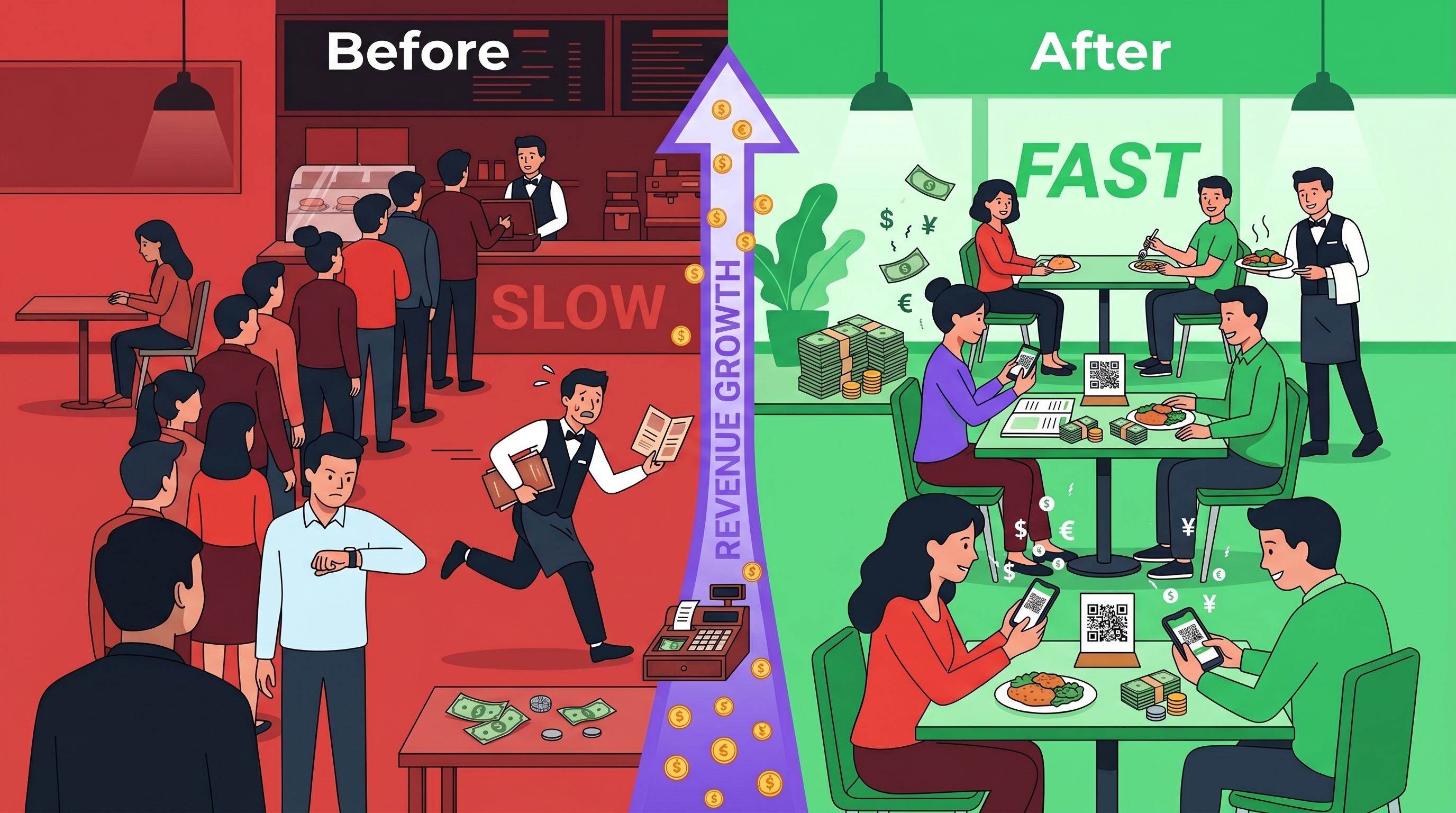
The Big Question Restaurant Owners Are Asking
Every restaurant owner faces the same dilemma: traditional service works, but customers expect more speed and convenience. QR ordering systems promise efficiency, but is the investment worth it?
This guide compares traditional restaurant service vs QR ordering systems across 7 critical categories:
- ⏱️ Order Speed - How long until food is ordered?
- 💰 Cost Structure - What are the true monthly costs?
- 😊 Customer Experience - What do diners actually prefer?
- 📈 Revenue Impact - Does it increase average order value?
- 🔧 Staff Efficiency - How does it affect your team?
- 📊 Implementation - How hard is it to set up?
- 🎯 ROI Timeline - When do you see returns?
1. Order Speed: Which Gets Food to Table Faster?
❌ Traditional Restaurant Service
Time breakdown:
- ⏰ Customer waits to be greeted: 1-3 minutes
- ⏰ Server takes order: 2-5 minutes
- ⏰ Order relayed to kitchen: 1 minute
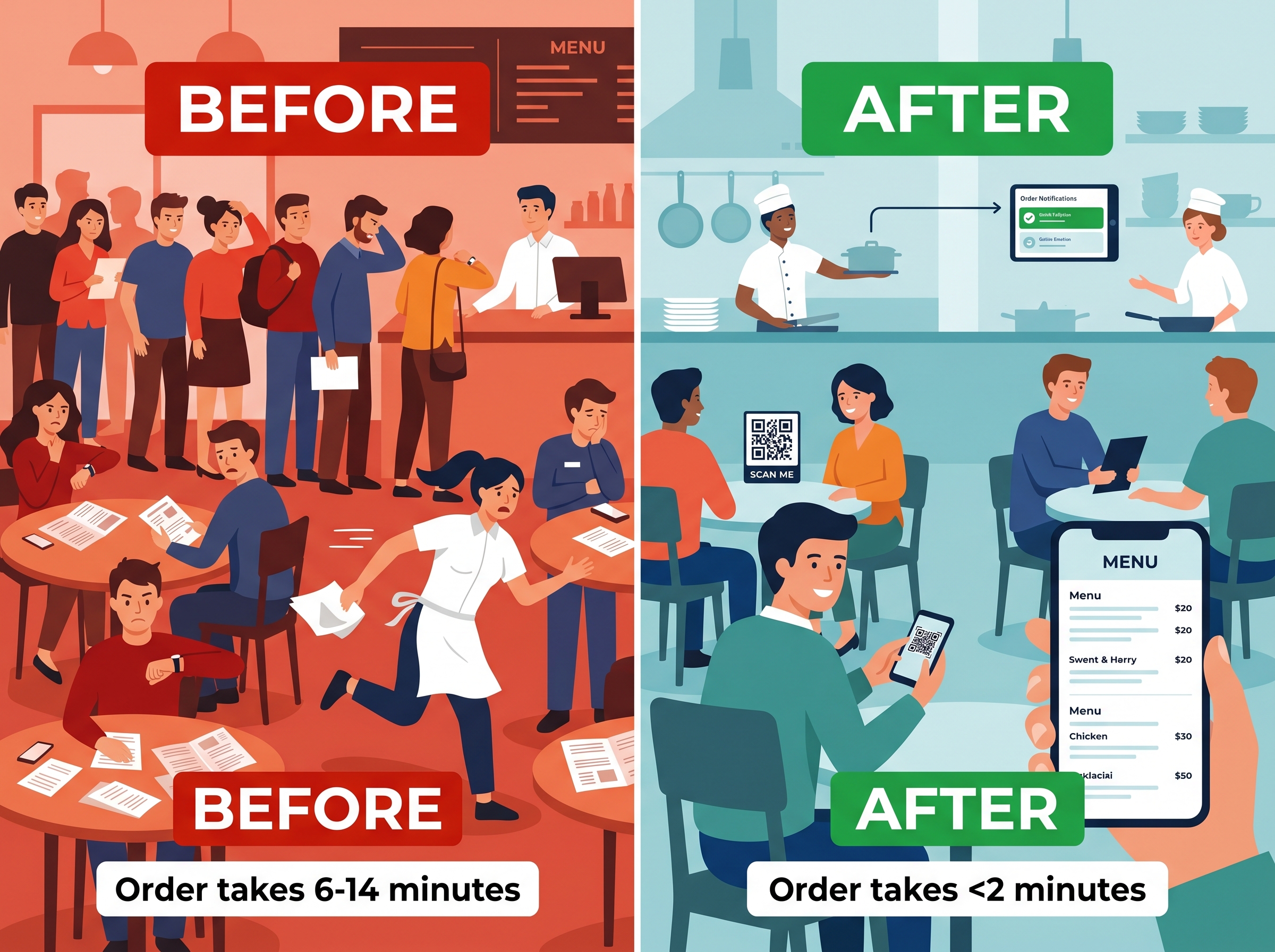
❌ TOTAL before kitchen starts: 4-9 minutes
The problem: Customers can't order until a server is available. During rush hour, this wait time increases significantly.
✅ QR Ordering System (UpgradeHub)
Time breakdown:
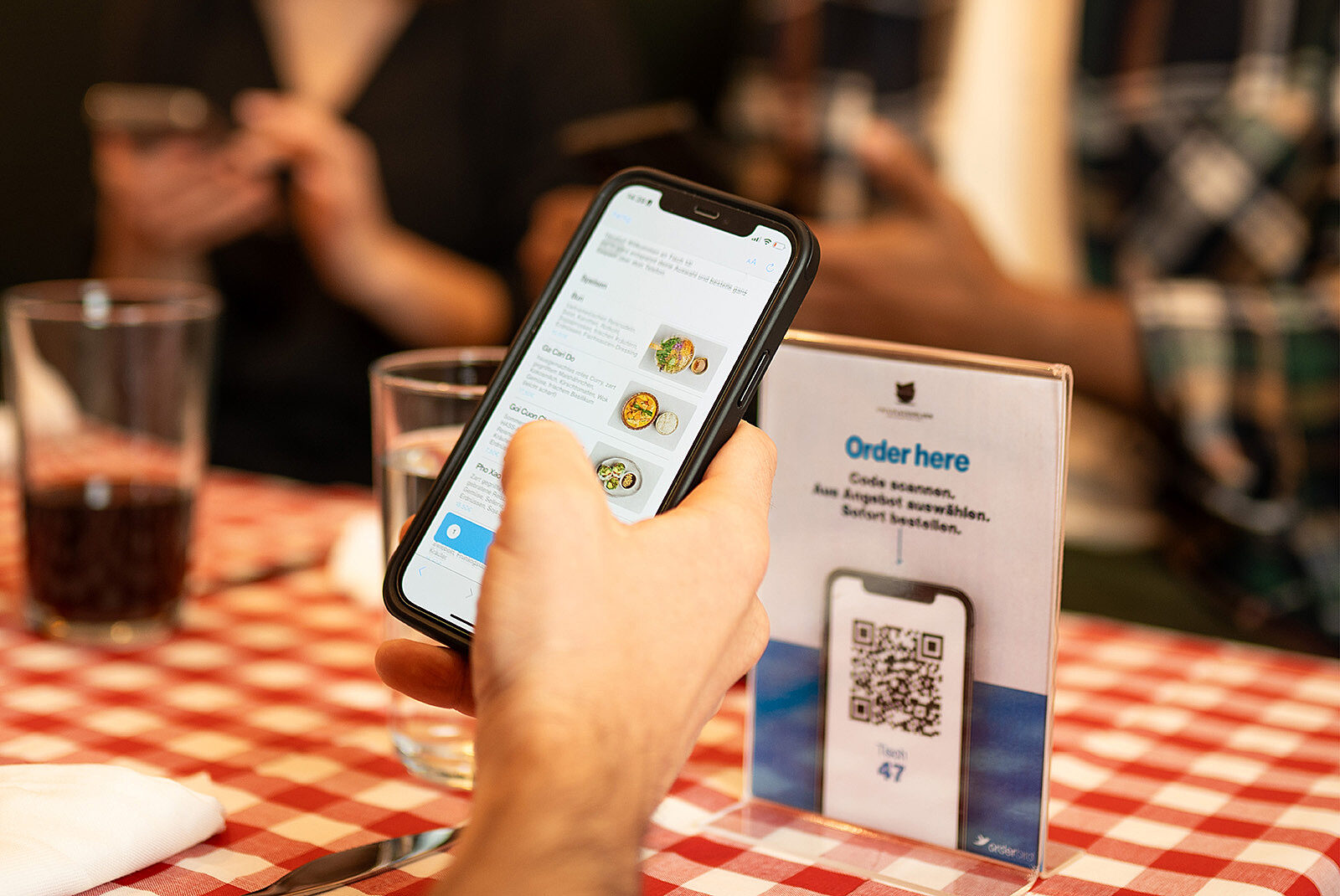
- ✅ Customer scans QR code: 3-5 seconds
- ✅ Browses menu: Variable (no rush)
- ✅ Places order: 30-90 seconds
✅ TOTAL before kitchen starts: Less than 2 minutes
The solution: Customers order the moment they're ready. No waiting for a server. No bottlenecks.
⏱️ Speed Verdict: QR Ordering Wins by 3-8 minutes per order
2. Cost Structure: Monthly & Hidden Costs
❌ Traditional Restaurant Service - Monthly Costs
- ❌ Server labor (order-taking portion): €1,000-2,000
- ❌ Menu reprinting (updates/damage): €30-100
- ❌ Order error waste (wrong items): €50-150
❌ TOTAL (excluding potential lost revenue): €1,080-2,250+ per month
✅ QR Ordering System (UpgradeHub) - Monthly Costs
- ✅ QR ordering platform: €29
- ✅ QR code materials: €0 (included)
- ✅ Menu updates: €0
- ✅ Order error waste: Significantly reduced
✅ TOTAL Monthly: €29
The Hidden Math
Traditional Service:
- 🟡 Staff needed for order-taking: 2-4 servers during peak
- ❌ Menu reprint frequency: As needed
- 🟡 Order error rate: Can be significant during rush
- 🟡 Customers lost to queues: Possible during peak hours
QR Ordering:
- ✅ Staff needed for order-taking: 1-2 servers (reduced)
- ✅ Menu reprint frequency: Never
- ✅ Order error rate: Drastically reduced
- ✅ Customers lost to queues: Eliminated
💰 Cost Verdict: QR Ordering Saves Significant Monthly Costs
3. Customer Experience: What Do Diners Actually Prefer?
❌ Traditional Service Experience
- ✅ Personal interaction: High
- ❌ Wait time frustration: Can be high during rush
- 🟡 Order accuracy: Depends on staff
- 🟡 Ability to browse menu: Rushed when busy
- 🟡 Customization ease: Moderate
- ❌ Privacy for group discussion: Low (server waiting)
✅ QR Ordering Experience
- 🟡 Personal interaction: Medium (still available)
- ✅ Wait time frustration: Eliminated
- ✅ Order accuracy: Very high (customer enters own order)
- ✅ Ability to browse menu: Unlimited time
- ✅ Customization ease: Click to customize
- ✅ Privacy for group discussion: No server standing there
What Customers Say
Traditional service complaints:
- ❌ "Took too long to get someone's attention during busy hours"
- ❌ "Felt rushed to decide when they were busy"
- ❌ "They got my order wrong"
- ❌ "Waiting for the check took forever"
QR ordering compliments:
- ✅ "Ordered in seconds, food came fast"
- ✅ "No pressure to decide quickly"
- ✅ "My exact modifications were correct"
- ✅ "Paid and left without waiting for the bill"
😊 Customer Experience Verdict: QR Ordering Wins for Speed and Convenience
4. Revenue Impact: Average Order Value (AOV)
❌ Traditional Service AOV Factors
- 🟡 Customer feels rushed: May order less during peak
- 🟡 Can't see all menu items: May miss add-ons
- 🟡 Server upselling: Inconsistent
- 🟡 No visual menu: Less appealing
Typical AOV: Base menu price, limited add-ons
✅ QR Ordering AOV Factors
- ✅ Customer browses at own pace: Explores full menu
- ✅ Visual food photos: More tempting
- ✅ Automated upselling suggestions: Every order gets offers
- ✅ Easy to add modifications: Adds extras
Typical AOV: Base price + potential add-ons through upselling
📈 Revenue Verdict: QR Ordering Can Increase AOV Through Automated Upselling
5. Staff Efficiency: Where Does Your Team's Time Go?
❌ Traditional Service Staff Tasks
Task breakdown during peak hours:
- Taking orders: 30-40% of shift
- Running food: 20-25% of shift
- Bussing tables: 15% of shift
- Customer service: 15% of shift
- Side work/prep: 10% of shift
❌ Problem: Significant time spent on order-taking (the bottleneck during rush)
✅ QR Ordering Staff Tasks
Task breakdown:
- Running food: 30-35% of shift
- Bussing tables: 20% of shift
- Customer service: 25-30% of shift
- Order monitoring/assistance: 10% of shift
- Side work/prep: 10% of shift
✅ Benefit: Reduced time spent taking orders. Staff focuses on hospitality.
🔧 Staff Efficiency Verdict: QR Ordering Reduces Order-Taking Time
6. Implementation: How Hard Is It to Switch?
❌ Traditional Service Setup
- 🟡 Training time: Ongoing
- ❌ Menu printing: Every update
- 🟡 Technology needed: POS, printers
- ✅ Setup difficulty: Already have it
✅ QR Ordering Setup (UpgradeHub)
- ✅ Account creation: 2 minutes
- ✅ Menu upload: 10-20 minutes
- ✅ QR code generation: 1 minute
- ✅ Staff training: 15 minutes
- ✅ Total time to go live: Less than 30 minutes
What You Need to Start
Traditional service:
- Staff (already have)
- Menus (need printing)
QR ordering with UpgradeHub:
- ✅ Internet connection
- ✅ Any device in kitchen (phone, tablet, computer)
- ✅ QR codes (we provide)
- ✅ That's it!
📊 Implementation Verdict: QR Ordering Takes Less Than 30 Minutes to Launch
7. ROI Timeline: When Do You See Returns?
❌ Traditional Service ROI
- 🟡 Monthly cost: €1,080-2,250+
- 🟡 Potential lost revenue from queues: Varies by venue
- 🟡 ROI: Baseline comparison
✅ QR Ordering ROI (UpgradeHub)
- ✅ Monthly investment: €29
- ✅ Potential labor savings: Varies by venue
- ✅ Potential additional revenue (higher AOV): Varies by venue
- ✅ Elimination of queue loss: Potential sales recovery
- ✅ Payback period: Typically rapid
🎯 ROI Verdict: QR Ordering Offers Strong Value Proposition
Complete Comparison Summary
Order to kitchen time
- 🟡 Traditional: 4-9 minutes
- ✅ QR Ordering: Less than 2 minutes
- 🏆 Winner: QR Ordering
Monthly cost
- 🟡 Traditional: €1,080-2,250+
- ✅ QR Ordering: €29
- 🏆 Winner: QR Ordering
Customer preference during peak hours
- 🟡 Traditional: Mixed (can be frustrated by waits)
- ✅ QR Ordering: Preferred for speed
- 🏆 Winner: QR Ordering
Average order value potential
- 🟡 Traditional: Base price
- ✅ QR Ordering: + potential upsells
- 🏆 Winner: QR Ordering
Staff efficiency during peak
- 🟡 Traditional: 30-40% on order-taking
- ✅ QR Ordering: Minimal time on order-taking
- 🏆 Winner: QR Ordering
Implementation time
- 🟡 Traditional: Already have it
- ✅ QR Ordering: Less than 30 minutes
- 🏆 Winner: QR Ordering
🎯 Final Verdict: QR Ordering Wins Across Most Categories
The Hybrid Approach: Best of Both Worlds
The most successful restaurants use a hybrid model:
- ✅ QR ordering for customers who want speed and control
- ✅ Traditional service for customers who prefer human interaction
- ✅ Staff available for both QR assistance and traditional service
UpgradeHub supports both: QR ordering PLUS traditional service. You don't have to choose.
Frequently Asked Questions
Q: Do I have to replace my staff?
A: No. Your staff becomes more valuable. They focus on hospitality, food quality, and customer relationships instead of taking orders.
Q: What about customers without smartphones?
A: Keep a few printed menus and help them the traditional way. UpgradeHub works alongside your existing service.
Q: Will my tech-phobic staff handle it?
A: Yes. The kitchen display is simple. Staff only needs to monitor orders, not take them. Most teams learn in 15 minutes.
Q: Can I try it before committing?
A: Absolutely. We offer a live demo where you can test the full ordering flow with your own menu.
Q: Does QR ordering reduce tips for servers?
A: No. Many restaurants report that tips remain stable or increase because staff can focus on better service rather than order-taking.
Ready to Compare for Your Restaurant?
Stop guessing which system works better. See UpgradeHub in action with your own menu.
Get started in 5 minutes. No credit card required. Cancel anytime.
Related Articles:
- 10 Benefits of QR Ordering for Restaurants
- QR Ordering System Cost Analysis
- How to Reduce Restaurant Queues
- QR Ordering vs Traditional Menus