QR Ordering System vs Traditional Menus: Cost, Efficiency & ROI for Restaurants (2026 Guide)
Should your restaurant switch from traditional paper menus to a QR ordering system? This 2026 comparison breaks down real costs, customer preferences, and operational impact.
Why Restaurant Owners Are Adopting the QR Ordering System in 2026
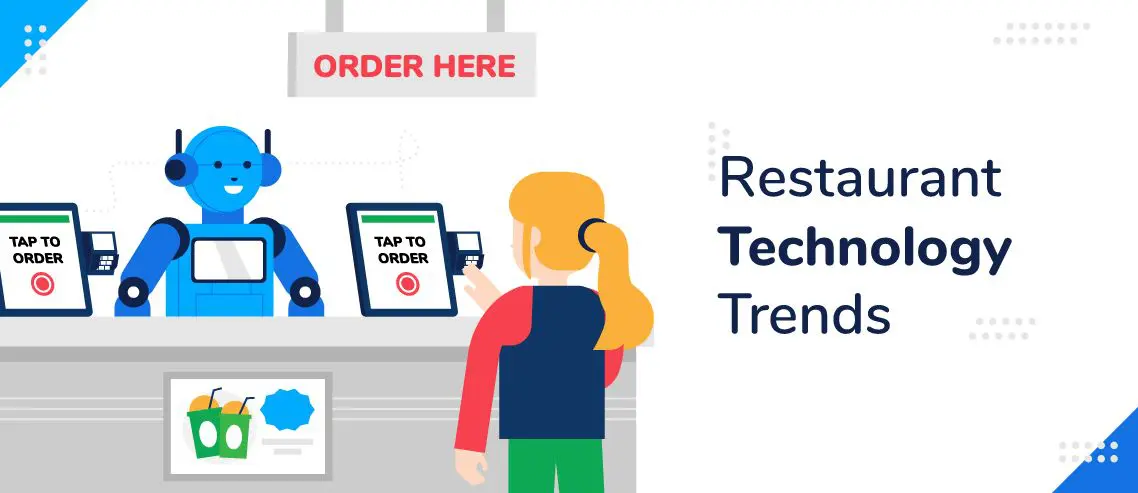
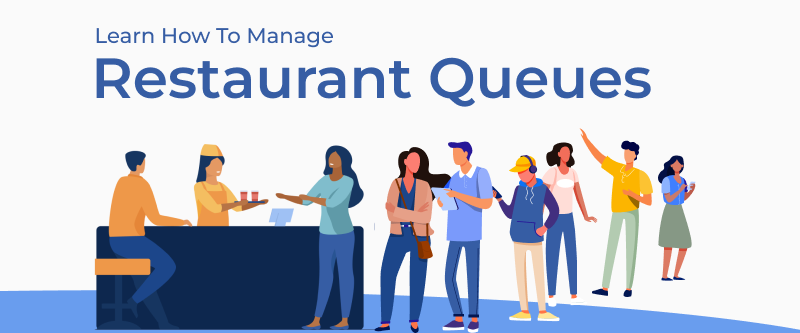
The QR ordering system has become one of the fastest-growing restaurant technology trends in 2026. Restaurant operators report that long queues, staff shortages, and rising paper costs are pushing them toward digital solutions.
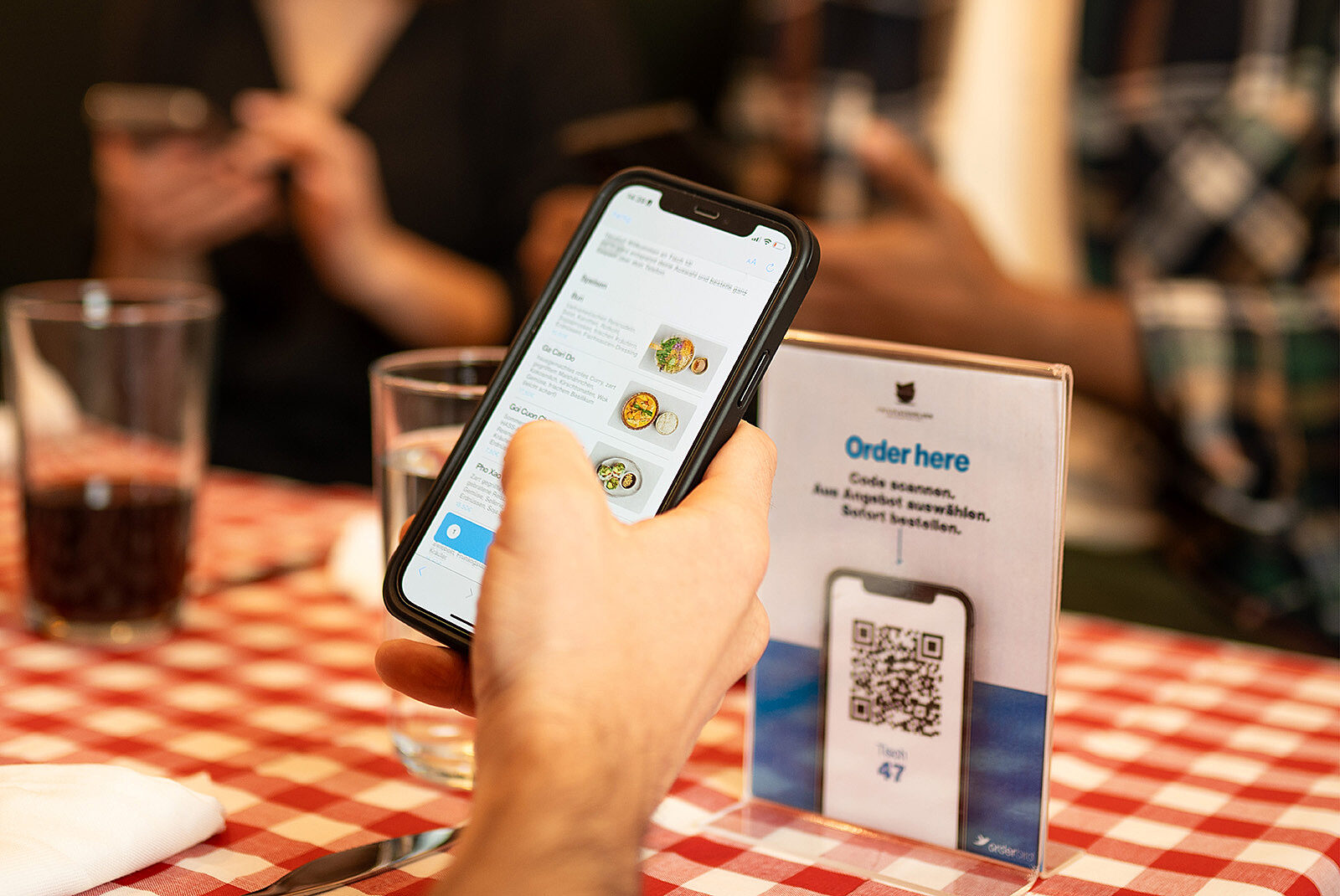
A complete QR ordering system does more than just display a menu. It allows customers to browse, customize, and place orders instantly from their phone - with orders going directly to the kitchen.
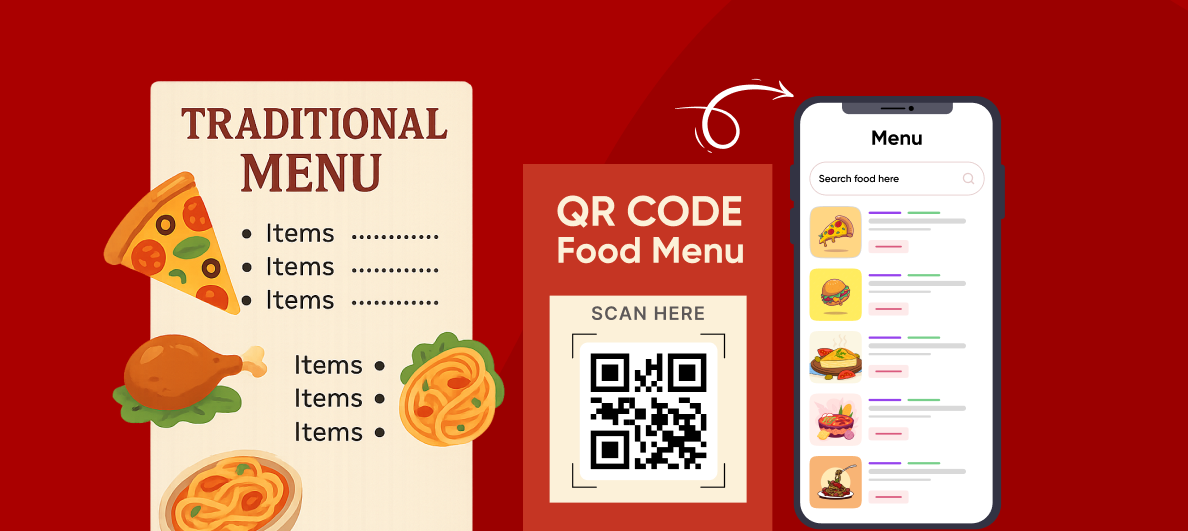
Cost Comparison: Traditional Menus vs QR Ordering System
Traditional Printed Menus:
- Initial printing: Significant cost each run
- Monthly reprints for updates or damage
- Ongoing printing expenses forever
- Lost menus need replacement
QR Ordering System (UpgradeHub):
- One-time QR code creation: €0
- Monthly platform fee: €29/month
- Update menus instantly at no cost
- No reprinting fees ever
- Complete ordering system included
Restaurant operators report saving hundreds per year by eliminating printing costs alone with a QR ordering system.
Customer Preferences in 2026
Industry data shows modern diners increasingly prefer QR ordering systems:
- Customers appreciate ordering directly from their phone
- Diners value being able to customize orders easily
- Many still want a paper option available as backup
- Speed and convenience rank highest for repeat customers
Operational Benefits of a QR Ordering System
A complete QR ordering system gives you more than just a digital menu:
- Update prices instantly during happy hour
- Mark sold-out items in real-time
- Add daily specials without reprinting
- Track which items customers view most
- Orders go directly to the kitchen (no staff bottleneck)
- Instant notifications when orders arrive
- No order miscommunication - customers enter their own order
The Problem with "Just a Digital Menu"
Many restaurants think QR menus alone solve their problems. But a digital menu without QR ordering system capability only solves half the issue.
Customers still need to:
- Flag down a server
- Wait to place their order
- Hope the order is correct
This is where queues still form and customers still leave.
How UpgradeHub's QR Ordering System Takes This Further
Basic QR menus solve the viewing problem.
UpgradeHub's QR ordering system solves the complete ordering flow:
✅ Customers scan, browse, AND order instantly
✅ Orders go directly to the kitchen display
✅ Kitchen gets sound notifications
✅ No staff bottlenecks during rush hour
✅ No waiting for servers to take orders
✅ Order accuracy improves dramatically
The Verdict on QR Ordering Systems for 2026
Traditional menus are outdated and expensive to maintain.
QR-only menus are a step forward but miss the ordering piece.
UpgradeHub's QR ordering system gives you everything you need:
- Digital menus that update instantly
- Direct customer ordering from any table
- Kitchen notifications on any device
- €0 setup, €29/month flat rate
- No per-order fees ever
FAQ: QR Ordering System Questions Answered
Do QR ordering systems reduce staff costs?
Yes. A QR ordering system allows customers to place orders directly, freeing staff to focus on food preparation, delivery, and customer service instead of taking orders at tables.
Are QR menus better than paper menus?
For most restaurants, yes. QR menus eliminate reprinting costs, allow instant updates, and integrate with QR ordering systems for complete order management. However, keeping a few paper menus for customers who prefer them is recommended.
How long does setup take for a QR ordering system?
UpgradeHub's QR ordering system takes approximately 5 minutes to set up. No technical skills required. Just create your menu, generate QR codes, and you're ready to accept orders.
Do customers actually use QR ordering systems?
Yes. Industry trends from 2026 show increasing adoption. Most diners under 50 prefer QR ordering systems for the speed and convenience. Having staff available to assist is recommended for older customers.
Is a QR ordering system expensive?
UpgradeHub's QR ordering system costs €29/month flat rate with no setup fees, no per-order fees, and no hidden costs. Most restaurants save more than that in paper menu printing alone.
Can I keep paper menus as backup?
Absolutely. UpgradeHub recommends keeping a few paper menus for customers who prefer them. The QR ordering system works alongside your existing setup.
What happens if a customer's phone dies?
Train staff to help. Have a few printed menus available. The QR ordering system doesn't replace hospitality - it enhances it.
Do I need special hardware?
No. UpgradeHub's QR ordering system works on any device with internet. Kitchen notifications appear on phones, tablets, or computers you already own.
Ready to Install Your QR Ordering System?
Stop losing customers to long queues. Start serving faster today.
Get started in 5 minutes. No credit card required. Cancel anytime.
Related Articles: